In this article
Use the latest recorded action to distinguish a reviewer queue, a question for you and a completed handoff to finance.
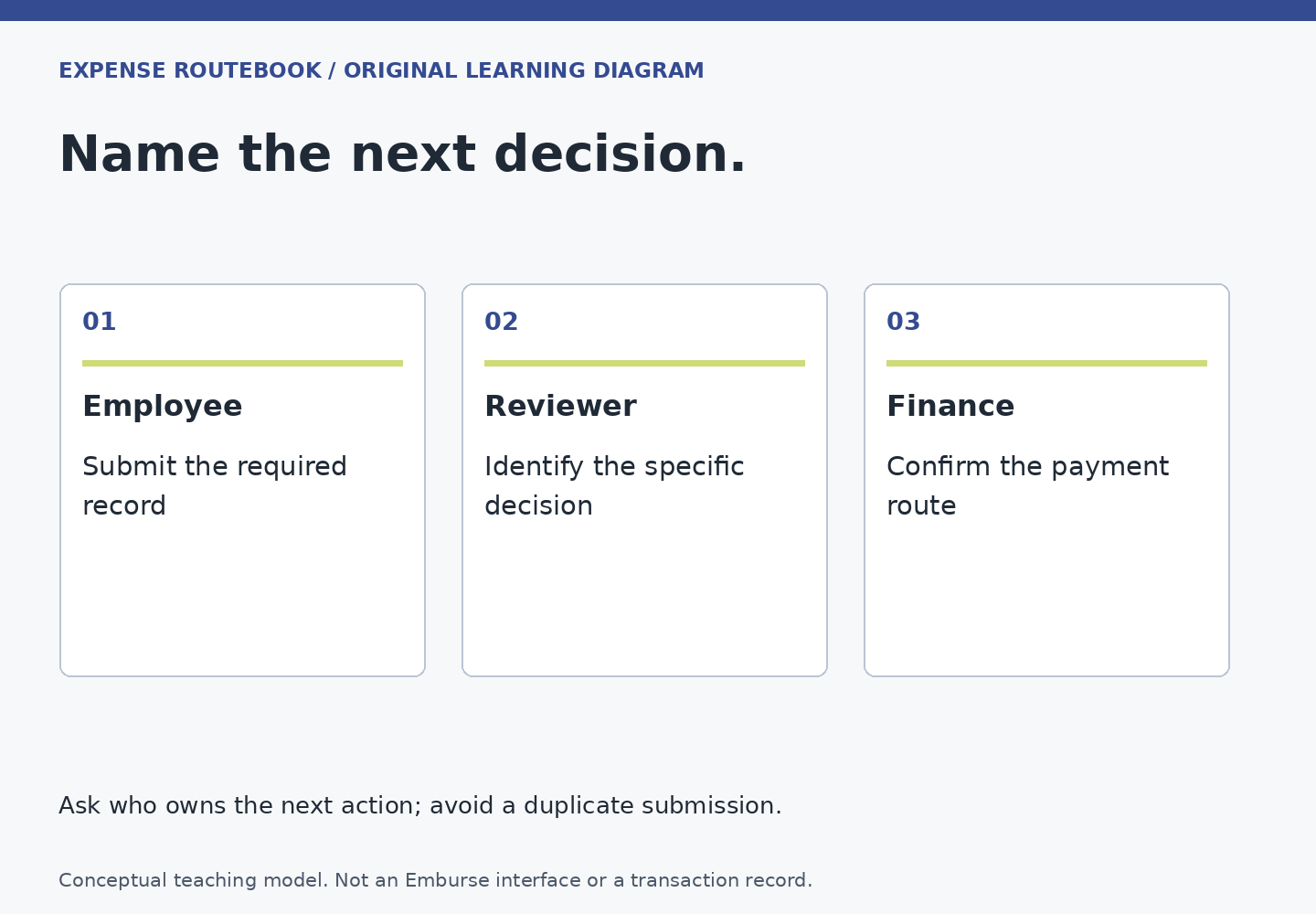
A report that feels “stuck with approval” may be waiting for several different things: your clarification, an item-level decision, a final forwarding action, or another reviewer. The most useful first question is not how long the report has existed. It is what happened last, and who can move it next.
Read the history before sending a reminder
Open the record in the product your employer uses. Note the report or expense reference, the exact current status and the latest meaningful action. Look for a request you have not answered, a returned line, a reviewer assignment or a move to another stage. Professional’s status guide describes approval history as the place to inspect report activity.
Keep screen wording intact in your note. Translating a state into “approved” because a manager mentioned it verbally can hide an unfinished step. A message saying “looks fine” may be helpful context, but it is not proof that the system recorded the required action.
Use a three-part handoff check
- Last event: what action is actually recorded, and when?
- Next owner: which person or team is assigned, or who can identify that assignment?
- Needed input: what decision, evidence or technical fix would let the work advance?
If the next owner is unclear, ask the expense administrator to interpret the route. Do not guess from job titles. The person who manages you may differ from the person who owns the project budget. An administrator may know the routing without having authority to decide whether a particular expense is appropriate.
For approvers: an item decision may not finish the report
The official Professional mobile approval guide distinguishes reviewing expense items from approving and submitting the report onward. It also describes returning a report to the submitter for amendments. If you are an authorized approver, verify that the intended handoff completed after your review; do not stop solely because the individual lines look approved.
This is a Professional-specific distinction, not a universal sequence of buttons. In Enterprise, routing rules are configured for each organization. Follow the guide for the product and your role. If the interface does not match, ask for the relevant internal instruction rather than experimenting with unrelated approvals.
A fictional “approved yesterday” puzzle
Elena submits a report with three expenses. Her manager reviews two and asks for the purpose of the third. Elena replies in an unrelated chat, then waits. The expense history still shows an open question. She checks the employer’s procedure, adds the explanation where the reviewer can associate it with the line, and asks whether anything else is needed.
The lesson is about a reliable handoff, not blaming either person. An answer can exist somewhere while remaining disconnected from the record that needs it. Use the business-purpose guide to write the missing explanation. If a field needs changing, follow the correction path for the report’s current stage.
Send a question someone can answer
For a reviewer, a useful internal message is: “Report [reference] shows [exact status]. The last action was [event/date]. Does this need an answer from me, or is another approval step pending?” Include a direct internal link only where the recipient is authorized to open it.
For the administrator, ask: “The assigned approver is unavailable. What is our authorized cover process for this report?” Do not share a password, act through someone else’s session or recreate the claim under another employee to make it move.
For finance, once approval is complete, ask whether the record has entered the payment process and who owns the next step. At that point use the missing reimbursement guide; repeatedly reminding the original manager may no longer help.
Know when the loop is closed
Finish this check when you can name the next owner and the exact outstanding action, or confirm that the approval handoff has completed. If a deadline matters, state the real deadline and consequence without inventing urgency. One specific, evidence-based inquiry is more useful than multiple vague reminders to everyone who has ever touched the report.