In this article
Reconcile the itinerary, final merchant documents, card activity and employee-paid claims into one clear closeout record.
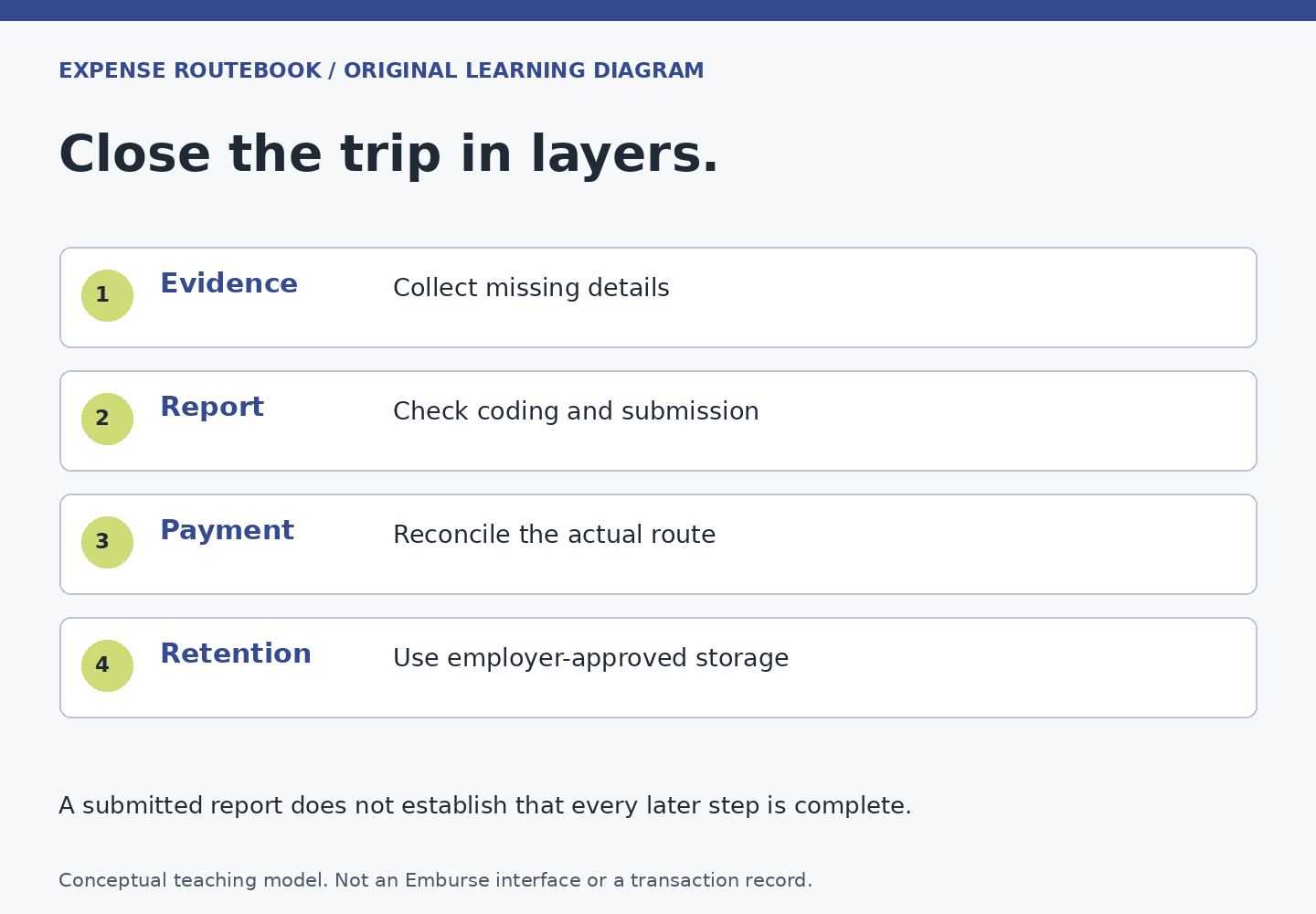
The trip is over when you get home; the expense record may still be unfinished. A hotel can issue its final folio later, a card charge can arrive after a receipt, and a cancelled booking can leave a pending refund. Closing the trip means accounting for those open pieces without claiming them twice or pretending an expected credit has already arrived.
Pass 1: use the itinerary as a memory aid
List the major travel events: outbound transport, lodging, work locations, local journeys and return travel. Then use the list to look for likely records. It is a completeness aid, not proof that every planned service occurred or every purchase is reimbursable.
Keep booking confirmations separate from final documents. A reservation shows what was planned; a final receipt or folio helps establish what was actually charged. If plans changed, attach the relevant evidence and explanation through your employer’s process rather than forcing the final report to resemble the original itinerary.
Pass 2: reconcile each merchant’s final amount
For lodging, look for the complete folio and distinguish room charges, other services, personal portions and any separate adjustments. For transport, check changes, cancellations and additional charges. Do not assume a quoted booking total equals the final card charge.
Emburse Enterprise Travel describes travel integrations and automatic itemization capabilities. Their availability in a product does not establish that your employer has enabled them or that an imported result needs no review. Compare the resulting lines with the merchant document. Professional users can consult its separate split-expense reference where their configured process calls for splitting.
Pass 3: identify who paid each item
Mark each purchase as company-paid, employee-paid or unresolved in your private working check. A travel agent invoice, a corporate-card transaction and a personal-card receipt can all appear in the same trip. Do not turn the combined trip cost into an expected bank reimbursement.
In a fictional example, Noor’s employer paid the airfare directly, the company card paid the hotel, and Noor personally paid an approved airport bus fare. All three belong in a complete travel record where policy requires them, but only the bus creates an employee reimbursement in this simplified example. Use the reimbursement route map to track that amount separately.
Pass 4: look for unmatched receipts and late imports
Review the saved expense area, draft reports and any submitted report for the trip. Professional’s mobile guide describes the Wallet as holding saved expenses and imported transactions before report inclusion. An item there can be genuine unfinished work rather than a new purchase to enter again.
Its ReportExecutive guide also describes a configurable buffer for card imports. Ask about the relevant schedule before concluding that a recent charge disappeared. Keep a pending-item note with merchant, date and reason for waiting, using only employer-approved storage.
If a receipt-derived line and an imported transaction now describe the same purchase, use the duplicate review guide. If documentation is unclear, use the evidence check. Repeated uploads are not a substitute for matching the existing records.
Pass 5: resolve adjustments and route questions
Track expected refunds separately from confirmed refunds. Record which booking or charge the credit relates to and ask finance how to represent it. Do not silently net an anticipated refund against another expense or ignore a credit after the employer has reimbursed the original charge.
For mileage, compare the journey with any rental, taxi or other transport records so the same leg is not described inconsistently. Use the mileage policy check for route, category and commute treatment. A trip can legitimately involve several transport types, but the record should make clear which legs each one covers.
Leave a short closeout note
- Trip reference and reporting period
- Submitted expense or report references
- Employee reimbursement expected, if any, with currency
- Unmatched card transactions or missing evidence still being resolved
- Expected refunds and the person responsible for following them
- Next action and owner for each open item
A useful closeout can contain unresolved items, provided they are explicit and owned. It should not claim the trip is financially complete while a known refund or missing charge remains unexplained. Close each open item when the actual record supports doing so, and retain evidence according to the employer’s policy.